
Note: These steps regarding Purchasing Licenses are performed in the OnStation Portal. For information on how to log into the portal see article: How to Log In to the Portal
- Log into the OnStation Portal.
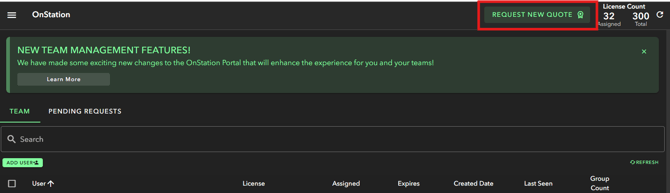
- Click "Request New Quote" button in the upper right corner
- This will open our Quote Customization page
- Build your quote and request by tapping the Request Customized Quote button at the bottom of the page

You can also reach out to our sales team or request a call via our "Contact Us" page.
To schedule a demo click here.