
Chat
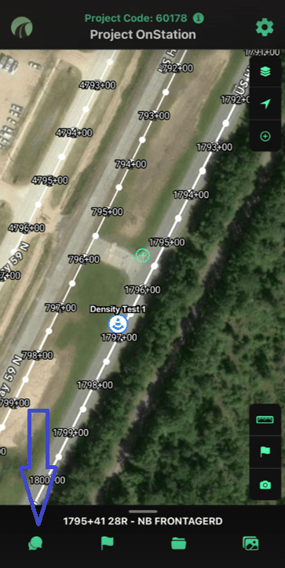
View, send, and manage flag conversations and images in one place.
OnStation Chat: how to view, send & manage flag conversations + images →
Flags
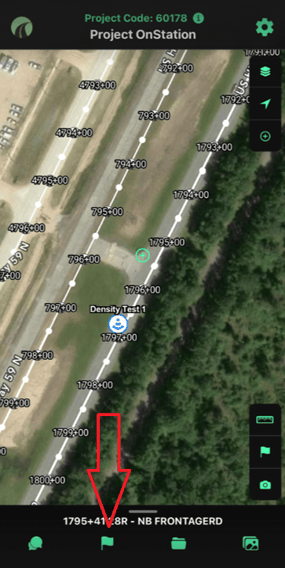
See and manage every flag on the project. Filter by date, tag, or user, or update multiple flags at once.
Flag filter and edit menu →Plan sheets
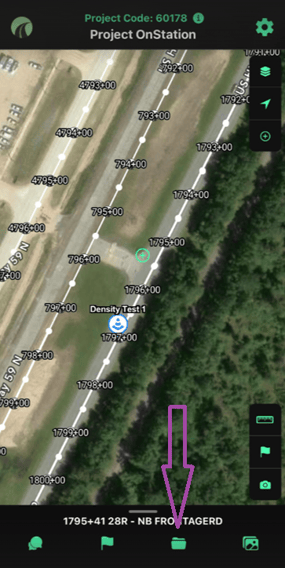
View digital PDF plan sets right in the app.
Photo gallery
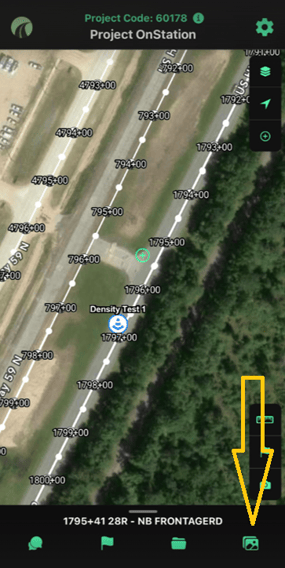
Browse every photo on the project in one place, without opening individual flags.
Accessing your OnStation photo gallery →
Need help? Call or text us at (216) 503-8554, or reach out online.