
Measurement tool
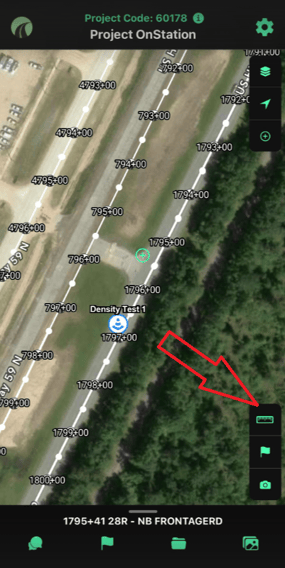
Measure in feet, yards, miles, or acres. "Follow Me" mode locks GPS to your live location.
Drop a flag
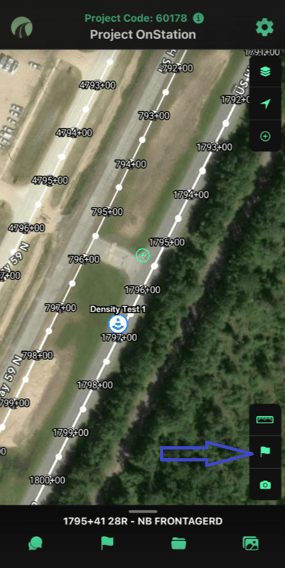
Mark an exact station with a note, photo, or tag — shareable with your team or across organizations.
Take a photo
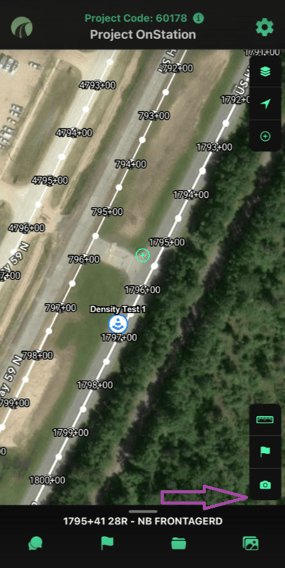
Every photo taken in-app is automatically stamped with station, alignment, offset, date, time, and your name.
Working with photos in OnStation →
Need help? Call or text us at (216) 503-8554, or reach out online.