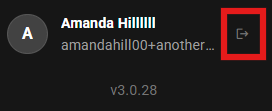
When you are logged into the OnStation Portal your personal user profile is now located at the bottom of the left-hand menu.
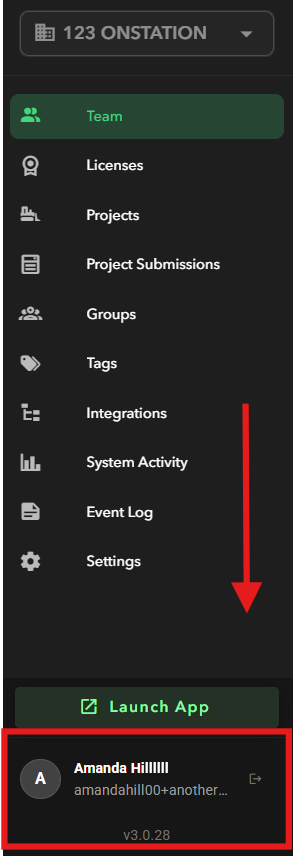
Additionally, the log out button  is now at the bottom of the menu as well. The log out button is located to the right of the user profile.